🔍
Make Searchable
Adds an invisible text layer to your scan so ⌘F just works. The page looks exactly the same, and a new searchable copy is saved beside the original. Whole folders can be processed at once.
🖱️
One right-click away
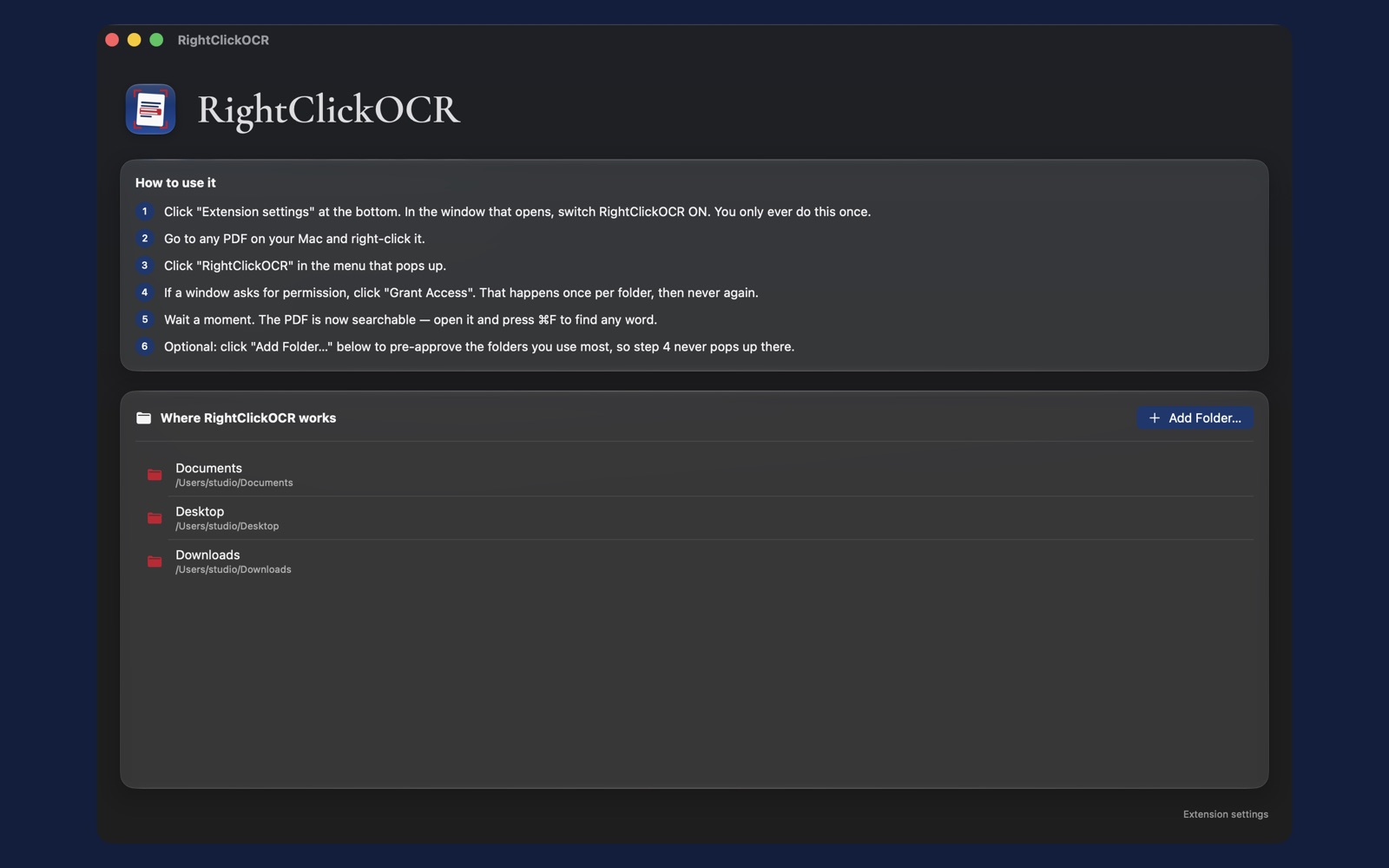
Lives in Finder’s right-click menu, with a bundled Quick Action that covers Desktop and Documents. There are no windows to manage and no app to babysit. Open RightClickOCR only when you want to see activity.
🔒
Private by design
All recognition runs on your Mac with Apple’s Vision framework. Sandboxed, with access only to folders you approve. No analytics, no telemetry, and nothing ever uploaded.
📂
Batch whole folders
Right-click a folder and every PDF inside gets a searchable copy. Perfect for a discovery production, a client’s document dump, or years of scanned records. See the batch guide.
📋
Deskew and handwriting
Tilted pages are straightened automatically during recognition, and handwritten text such as meeting notes, file memos, and margin scribbles is recognized as well. Clearer writing yields better results.
🛡️
Originals are sacred
RightClickOCR always writes a new “Name (Searchable).pdf” next to your file. Your original is never touched, never overwritten, never re-saved.